Vibecoding Plasma Cosmos from One-Prompt Toy to Real App
A Claude skill generated a generative art app in one prompt. Then I spent an evening vibecoding it with Opus into something I actually want to keep.
The Starting Point
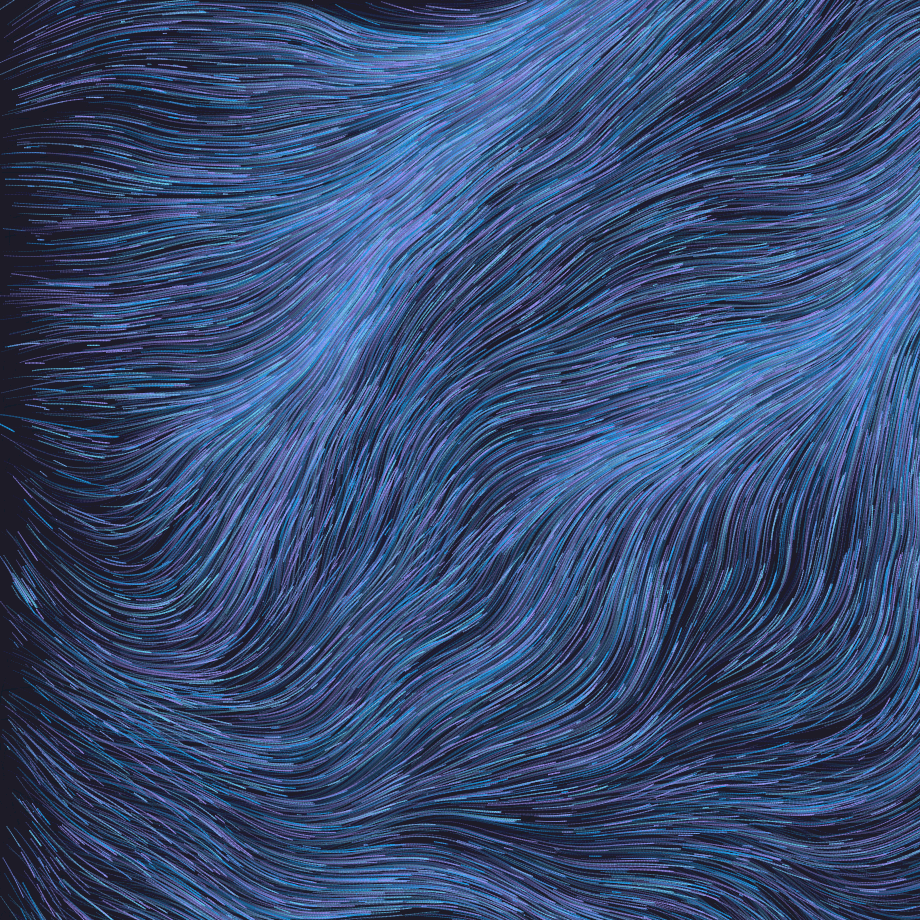
I wrote about the initial creation of Plasma Cosmos — a Claude skill spit out a fully working particle visualizer in a single prompt. I dropped the HTML into public/, hosted it, and called it done.
The Problem with "Done"
The thing about shipping a one-prompt app to your own site is that you actually use it. And once you use it, you notice things. The canvas sizing was hardcoded to window.innerWidth - 360, which meant it broke on mobile. The color pickers were native OS controls that felt disconnected from the rest of the UI. The sidebar had no logical grouping. On iOS, scrolling triggered canvas resets because the address bar resize was firing windowResized. Long-pressing the canvas triggered text selection. The whole thing was a warm cream/orange palette that clashed with my dark blue site.
None of this was wrong for a single-prompt demo. All of it was wrong for something I wanted to keep.
Vibecoding with Opus
So I opened the file in Copilot and started asking for things. Not writing code — describing what I wanted and letting Claude Opus handle the implementation. That's vibecoding: I'm the creative director, the AI is the codemonkey.
Here's roughly what the session looked like:
Mobile layout. I asked for the canvas on top, sidebar below on phones. Opus restructured the CSS into a column flex layout with media queries and reordered the DOM with CSS order.
Canvas sizing fix. Instead of hardcoding dimensions, Opus measured the actual container element.
iOS address bar problem. This was a fun one. On iOS, the browser address bar appearing/disappearing fires a resize event, which was re-initializing the entire particle system mid-painting. Opus added a 50px delta threshold — only resize if the window actually changed significantly.
Fullscreen mode. I wanted an immersive view. Opus built a toggle that hides the sidebar, expands the canvas to 100vw/100vh, and adds an auto-hiding exit button. On desktop the exit button fades after 2 seconds of no mouse movement. On mobile it appears on touch and fades after 3 seconds. Getting the iOS touch event handling right required capture: true — Opus figured that out after the first approach didn't work.
Color sliders. The native OS color pickers were fine but felt wrong. I asked for hue sliders with the actual color gradient baked into the track, so I could see what I was dragging toward. There was an iteration here — Opus first put the gradient on the <input> element itself, but WebKit ignores that and needs it on ::-webkit-slider-runnable-track. After a quick "I don't see the gradient" from me, it landed in the right place.
I also went through a phase of wanting saturation and lightness sliders per color. That made the UI confusing — too many knobs. I asked to strip it back down to just the hue slider. The app does better with vibrant colors anyway.
Dark blue retheme. The original was a warm cream and orange palette — Claude's default aesthetic. I asked to match my site's theme: dark navy background, blue accent color (hsl(210, 100%, 60%)), cool gray text. Opus pulled the values from my themeData.ts and applied them across every surface — sidebar, buttons, canvas shadow, back link, fullscreen overlay.
iOS overscroll. Even after the retheme, the overscroll bounce on iOS showed pure white above and below the page. One line fix: html { background: #0a1018 }. Plus -webkit-touch-callout: none on the canvas to kill the long-press selection.
What I Learned
The interesting thing isn't any individual fix. It's the workflow pattern.
A Claude skill generated a working app in one prompt. That got it to about 70%. Then a vibecoding session with a more capable model handled the last 30% — the mobile edge cases, the iOS quirks, the design polish, the UX details that make something feel like it belongs on your site instead of being an embedded demo.
I never opened a p5.js reference. I never debugged CSS pseudo-element selectors. I never looked up the WebKit-specific track styling API. I described problems and preferences in plain English and got working solutions, sometimes on the first try, sometimes after a "that didn't work" nudge.
The total time from "nice demo" to "polished app I'm happy with" was maybe an hour. Most of that was me testing on my phone and deciding what I wanted next.
Related Posts
- Claude Skills, Generative Art, and Hosting Raw HTML in Next.jsClaude.ai now has skills and connectors. I used one to build a generative art visualizer in a minute. Then figured out the cleanest way to ship it.